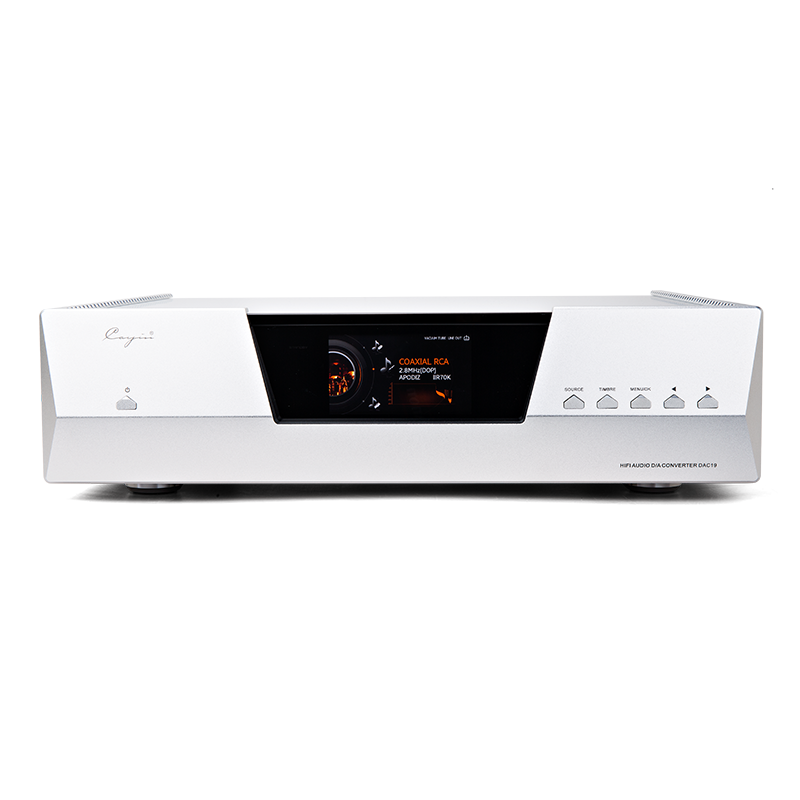
 Audio Source & DAC
 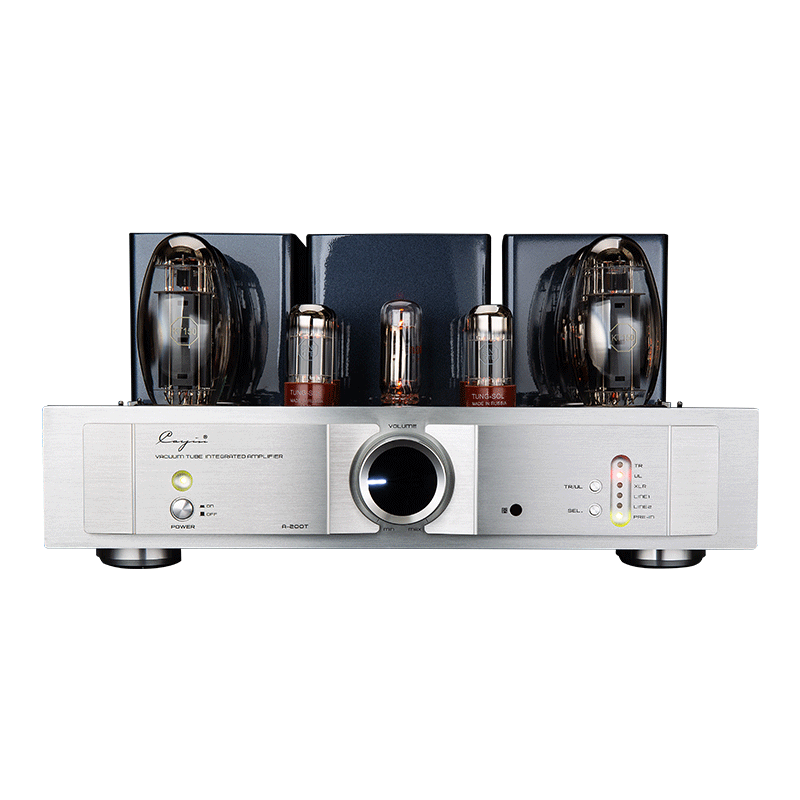 Integrated Amplifier
 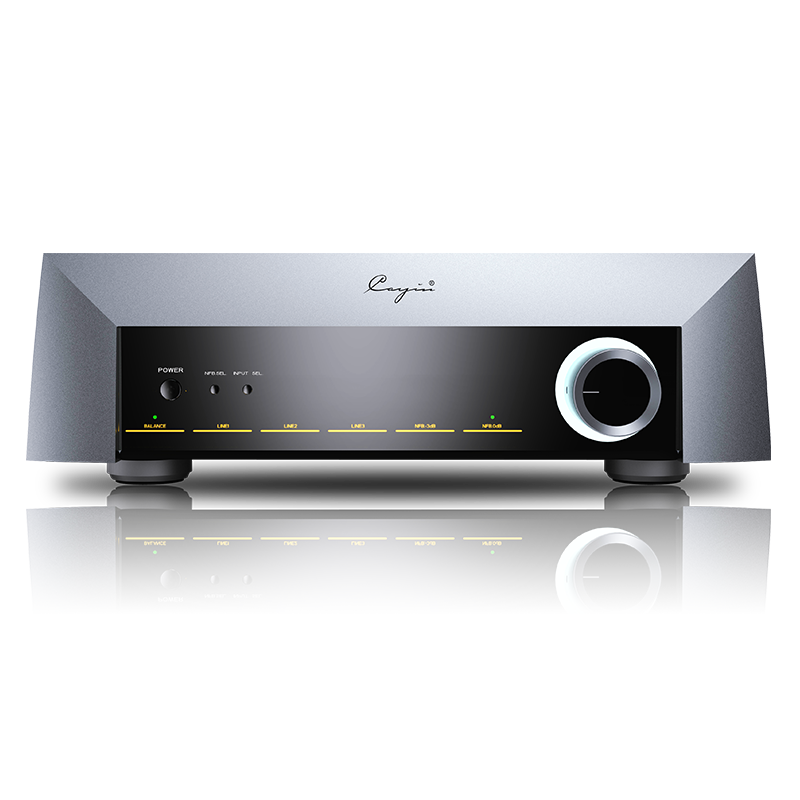 Pre/Power Amplifier
 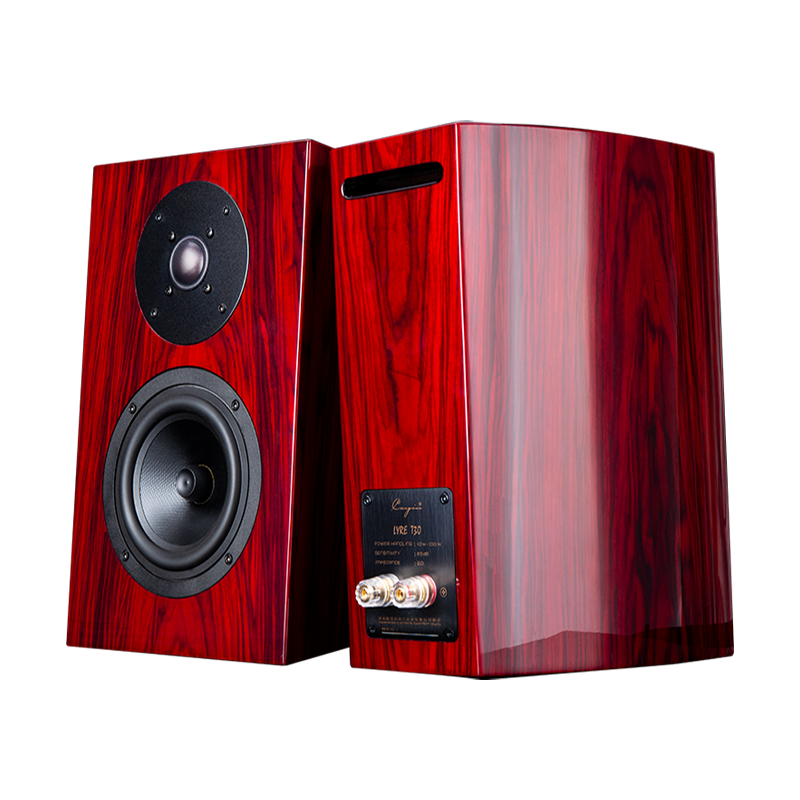 Speaker & Accessories
 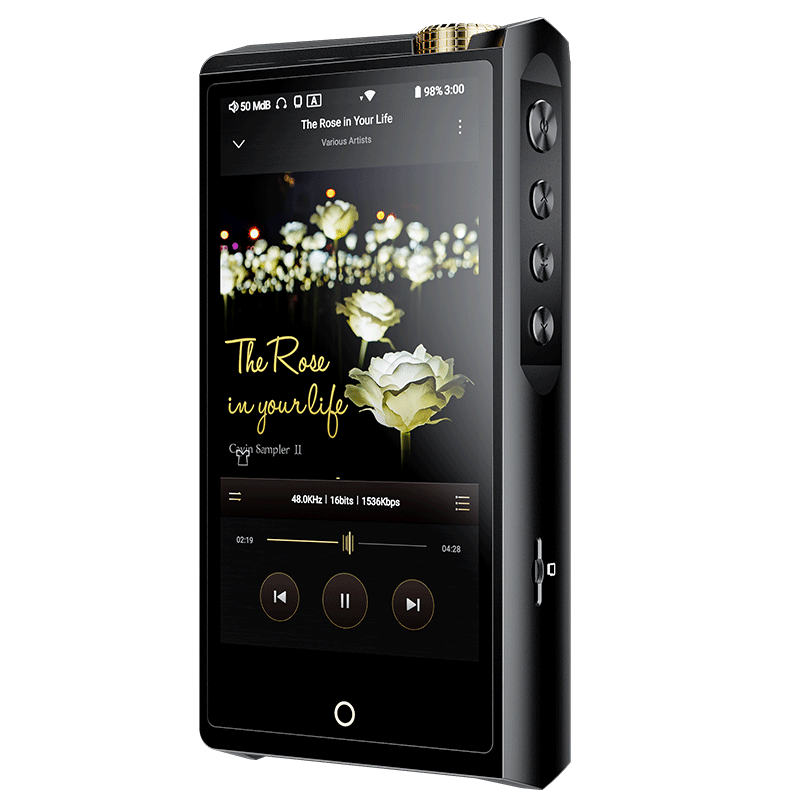 Digital Audio Player
  Portable Amplifier
 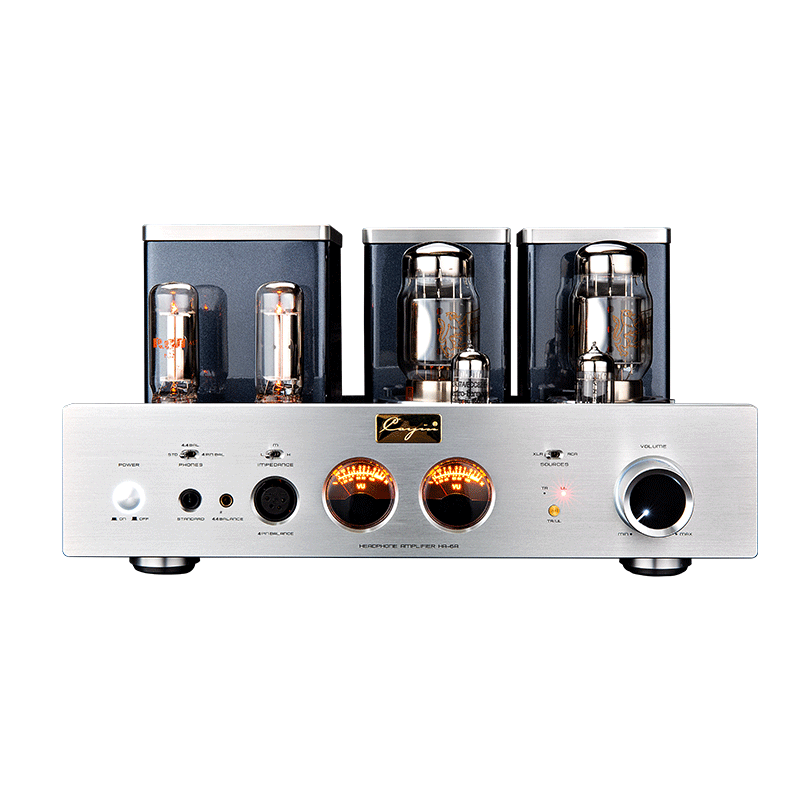 Desktop System
 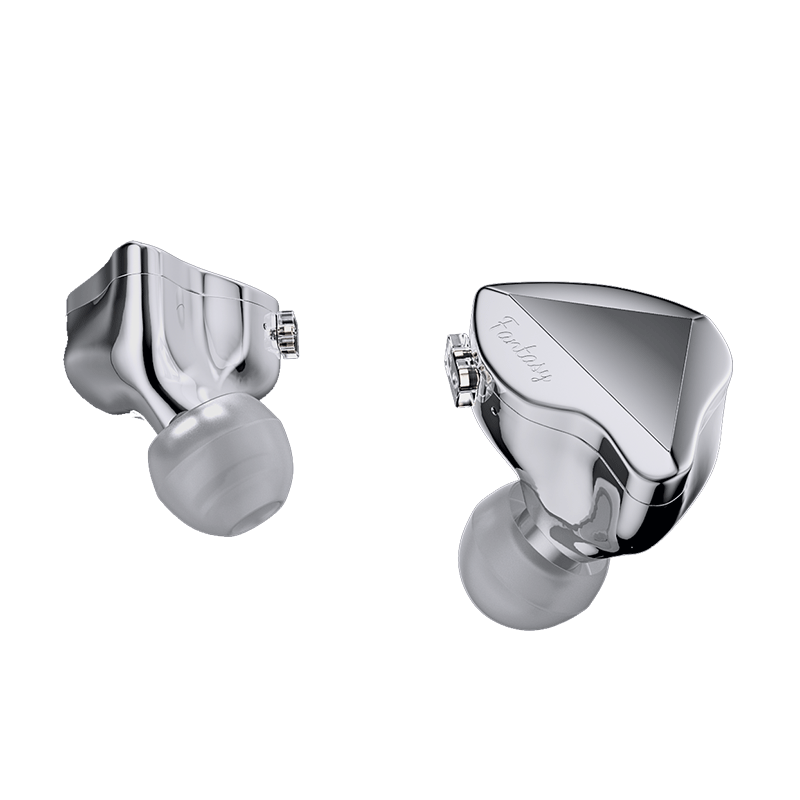 In-ear Monitors
  Accessories
 Download


Contact us
(+86) 0756-3828711
(GMT+8) 8:30-12:00, 13:00-17:00 MON. to FRI.


Cayin USB Audio Driver V6.0.0
size: date:2026-05-22
Cayin USB Audio Driver V6.0.0 (Windows 10/11)
1. Support for Cayin N8iii、CP6 and previously launched products
with USB Audio functionality (including D30th, iDAC-8, N30LE, N7+, N6iii, etc.)
2. Compatible with Windows 10 and Windows 11 operating system.
Cayin has updated its USB Audio Driver to V6.0.0 to support Windows 11 (also compatible with Windows 10)
Choice of USB Audio Driver
Cayin also offers USB Audio Drivers v3.30 and v4.86 for Windows 7, 8, 8.1 and 10 installations, and V2.29 for Windows XP and Vista.
Cayin Audio Driver Version | Compatible Windows OS Versions |
| V6.0.0 | Windows 10, 11 |
V5.74.0 | Windows 10, 11 |
| V5.68.0 | Windows 10, 11 |
V4.86 | Windows 7, 8, 8.1, 10 |
V4.47 | Windows 7, 8, 8.1, 10 |
V3.30 | Windows 7, 8, 8.1, 10 |
V2.29 | Windows XP, Vista |
Driver Installation Procedures
1. Download and extract the .zip file, then you would have the installation file (.exe).

2. Double-clikc to open Cayin USB Audio Driver_V6.0.0.exe.
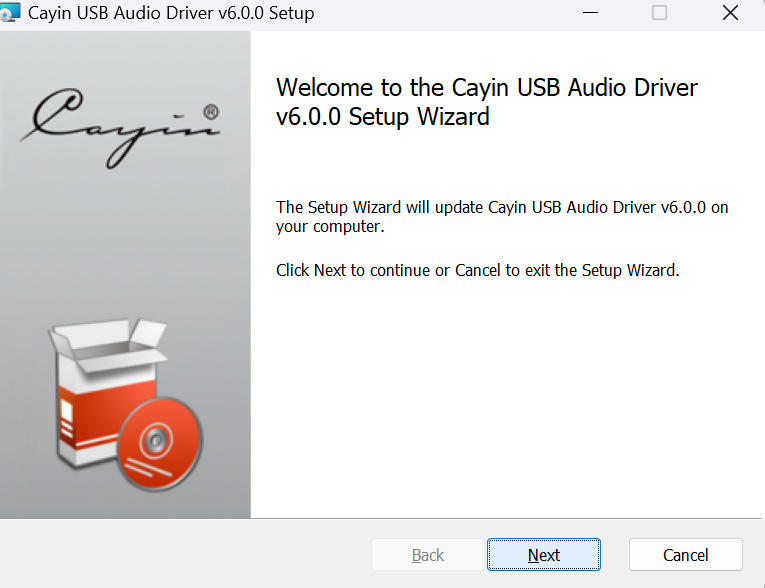
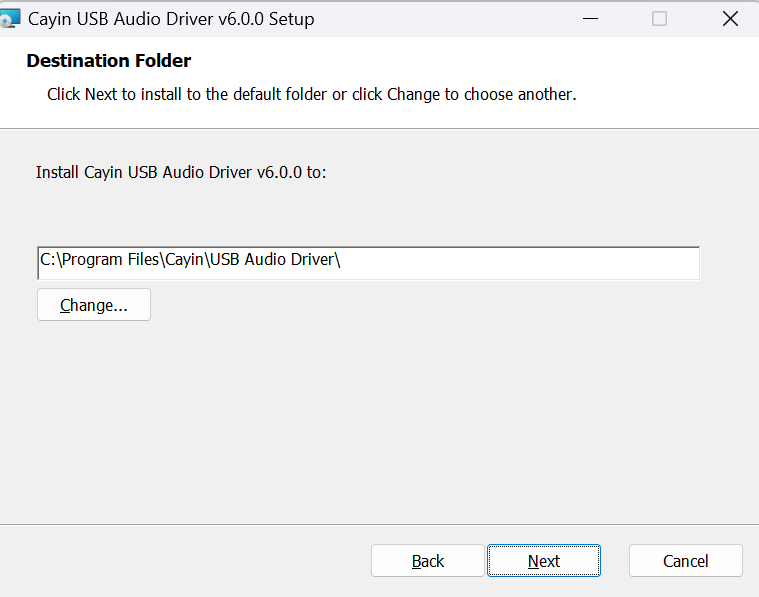
3. Click "Next", then you can edit the installation folder for the driver, then click "Update".
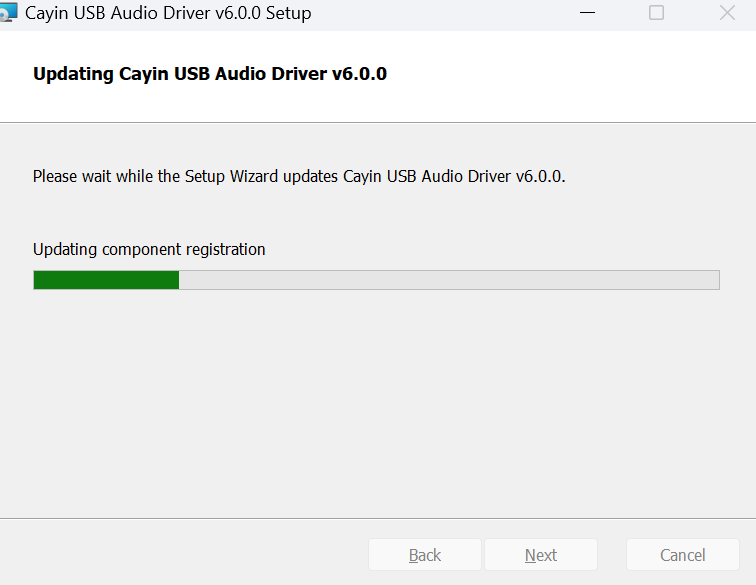
4. Wait for the programme to finish the installation.
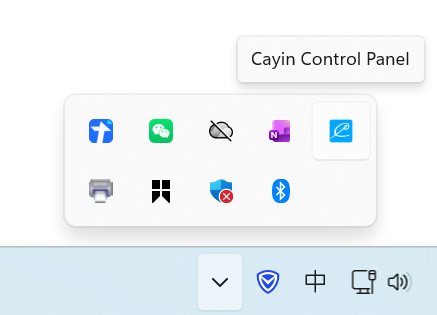
5. After it's finished, you would see the icon of Cayin Control Panel in the Toolbar on the bottom-right of your desktop.
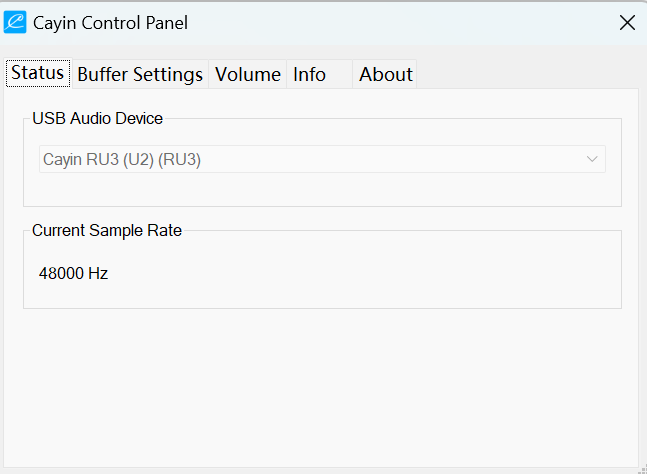
6. Connect your device with a USB cable, then you would see the information of your device in the Cayin Control Panel.
You can also adjust the output format and buffer settings in the Cayin Control Panel.
Contact us
(+86) 0756-3828711